- Usage
- Self-Hosted Setup
Prerequisites:
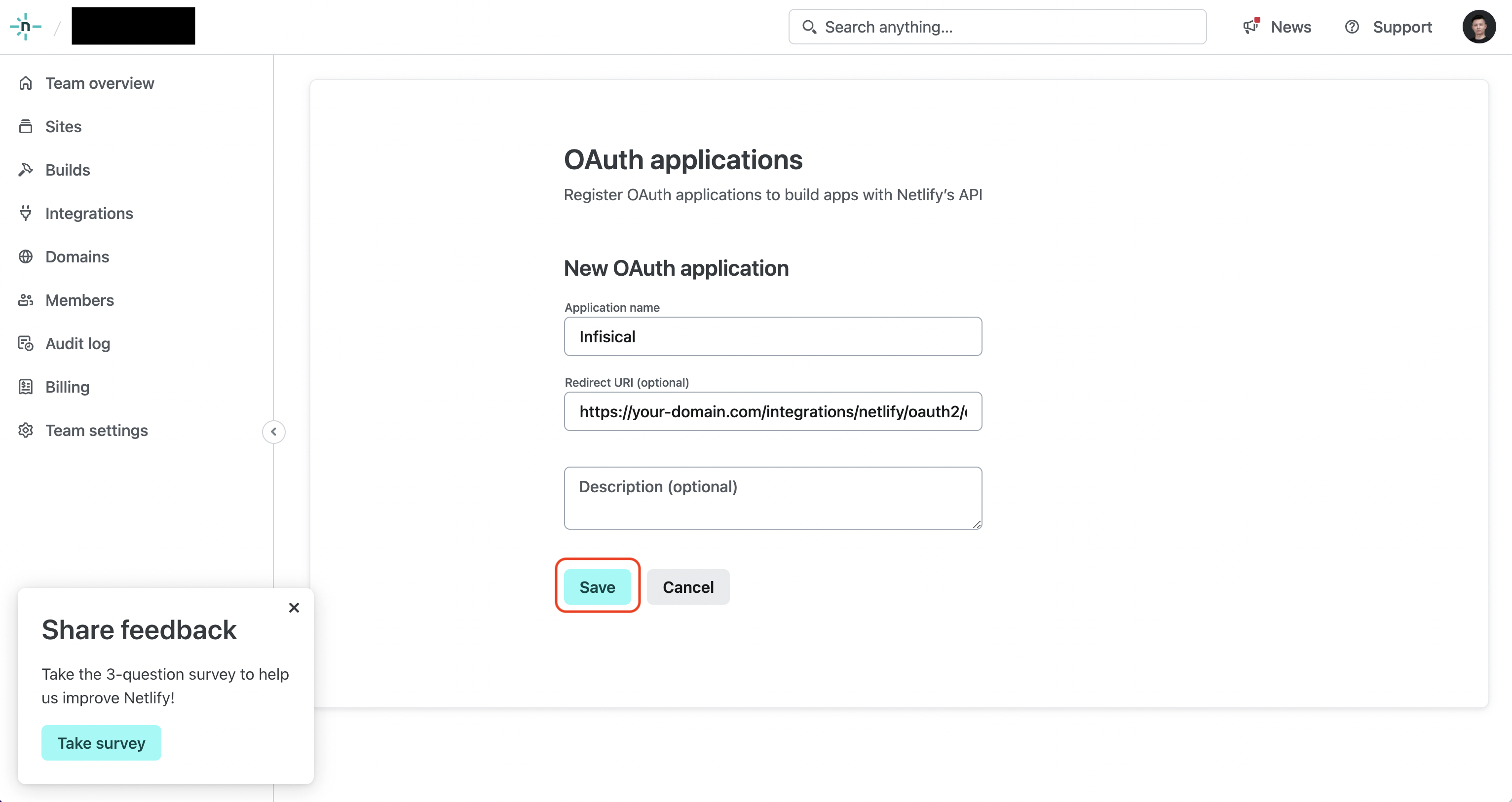
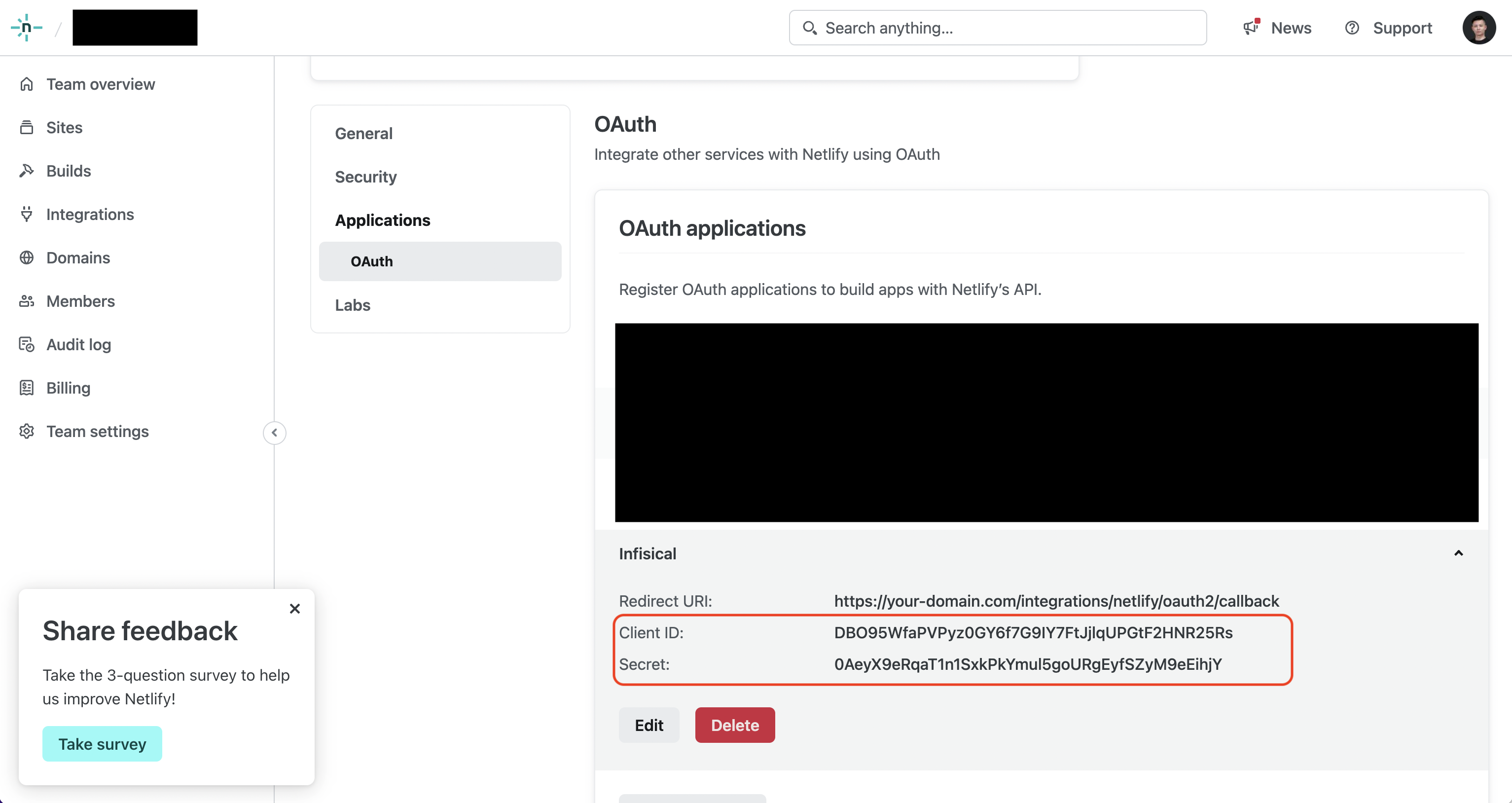
- Set up and add envars to Infisical Cloud
1
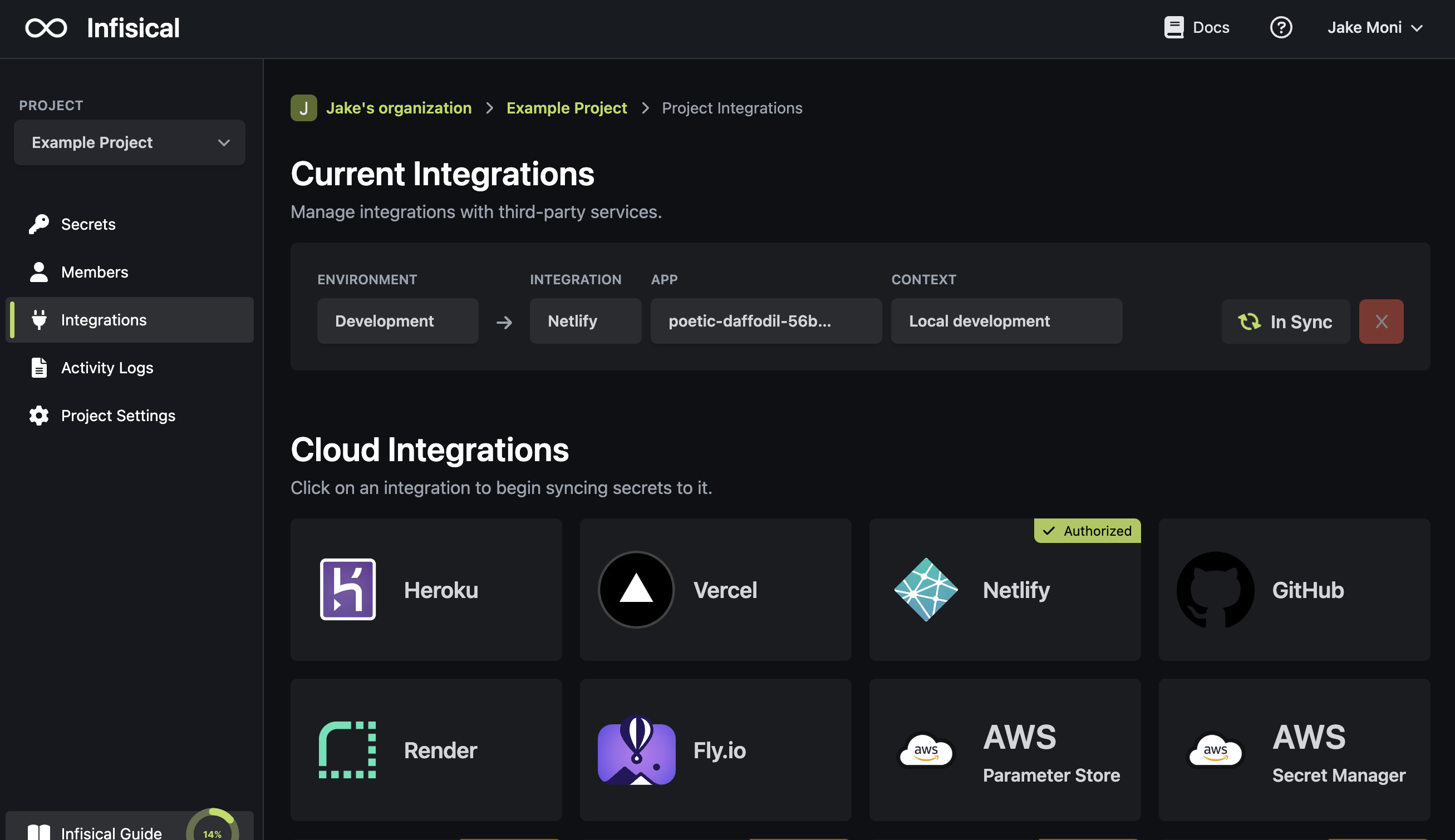
Authorize Infisical for Netlify
Navigate to your project’s integrations tab in Infisical. Press on the Netlify tile and grant Infisical access to your Netlify account.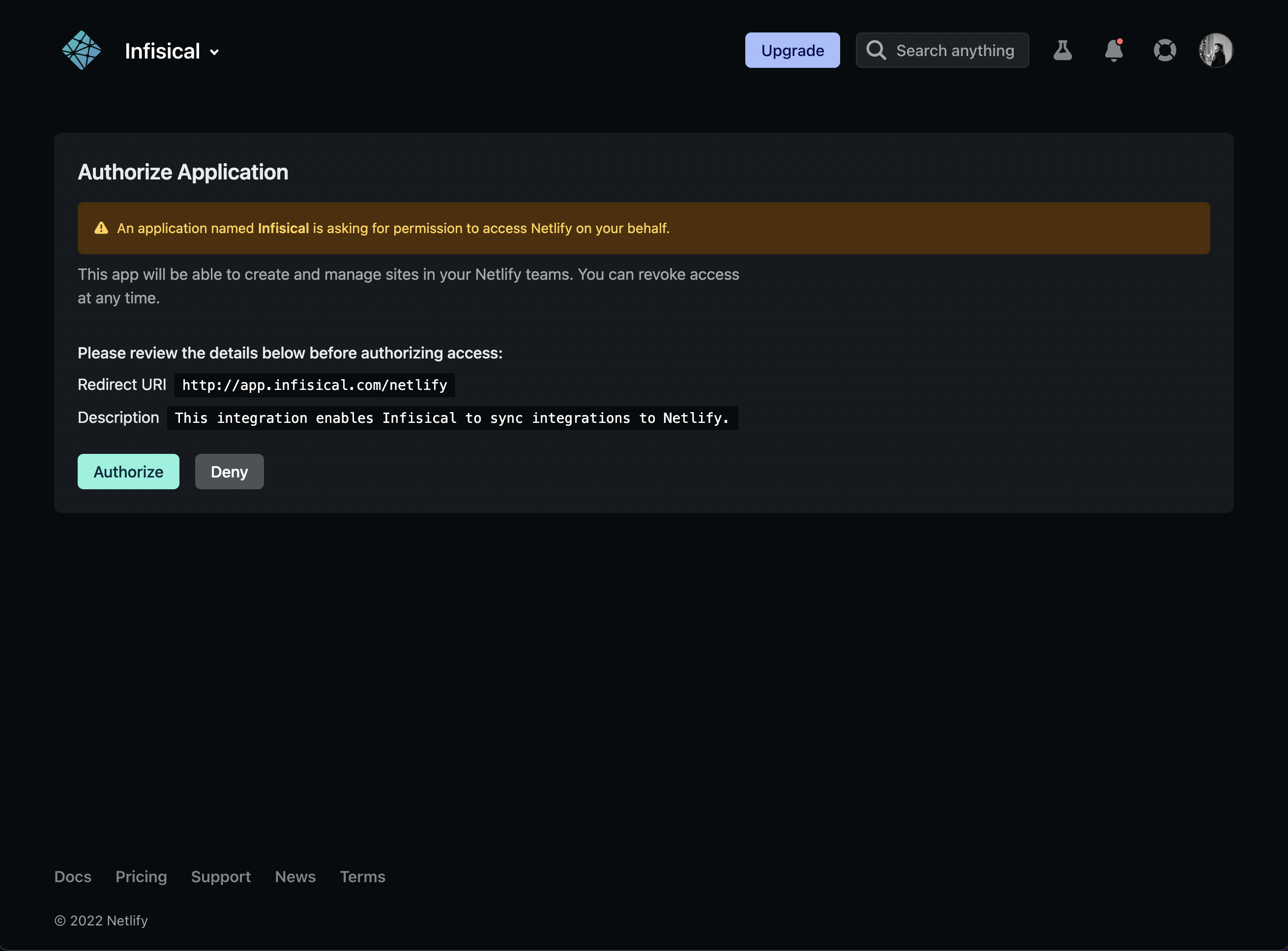
Press on the Netlify tile and grant Infisical access to your Netlify account.If this is your project’s first cloud integration, then you’ll have to grant
Infisical access to your project’s environment variables. Although this step
breaks E2EE, it’s necessary for Infisical to sync the environment variables to
the cloud platform.
2
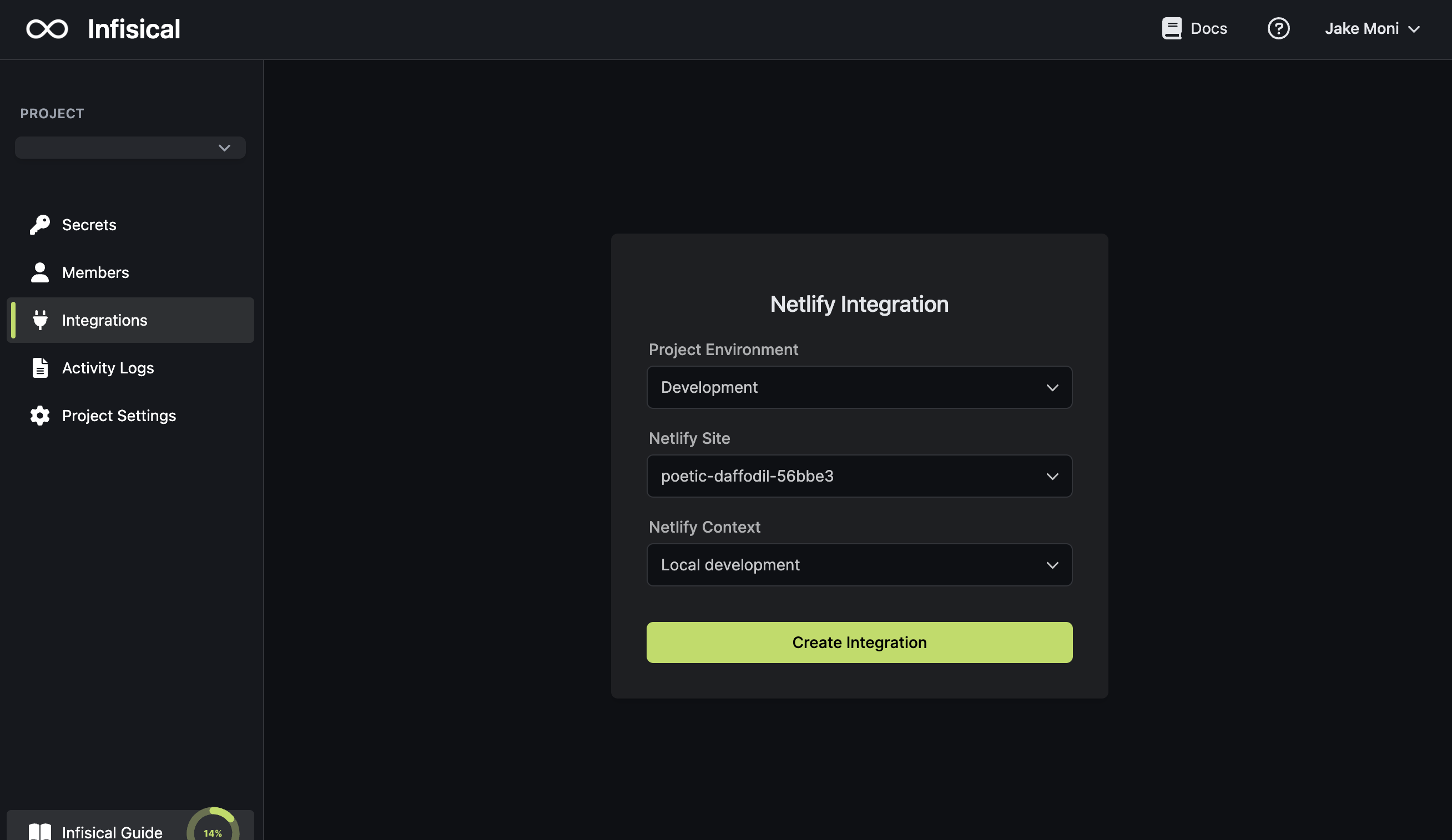
Start integration
Select which Infisical environment secrets you want to sync to which Netlify app and context. Lastly, press create integration to start syncing secrets to Netlify.